

1. Extending peripherals: If your computer or mobile phone cannot connect to a certain peripheral, e.g. mismatched cables or inconsistent ports, you can also use a USB adapter to make adjustments in terms of compatibility.Thunderbolt Docking Station
2. Add new functions to older devices: Older devices may not be compatible with newer USB standards. However, by using a USB adapter you can make it connect to new devices and add new functionality, for example by connecting an old printer to a new computer using a USB adapter.Docking Station
3. Desktop smartness: USB adapters are often used to connect peripheral devices such as keyboards, mice, DVD drives, digital cameras, etc. to enhance the intelligence of a desktop or laptop computer.USB Hubs
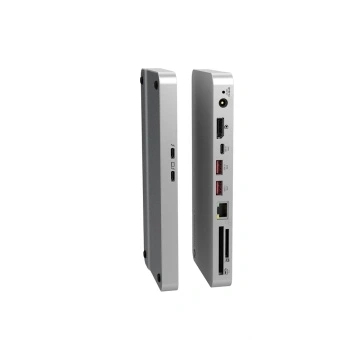
5. Space saving: In situations where a USB interface is required, USB adapters allow reliable connection of various devices, saving space on connecting cables and thus improving reliability and performance.
In short, USB adapters are used in a variety of scenarios and can be adjusted for connectivity and compatibility in a variety of situations, improving the ease and flexibility of using devices and making our lives more convenient and intelligent.